
How do I create an account/ log in to the Customer Portal?Updated 8 months ago
First, go to the EuNatural.com website and navigate to the profile icon: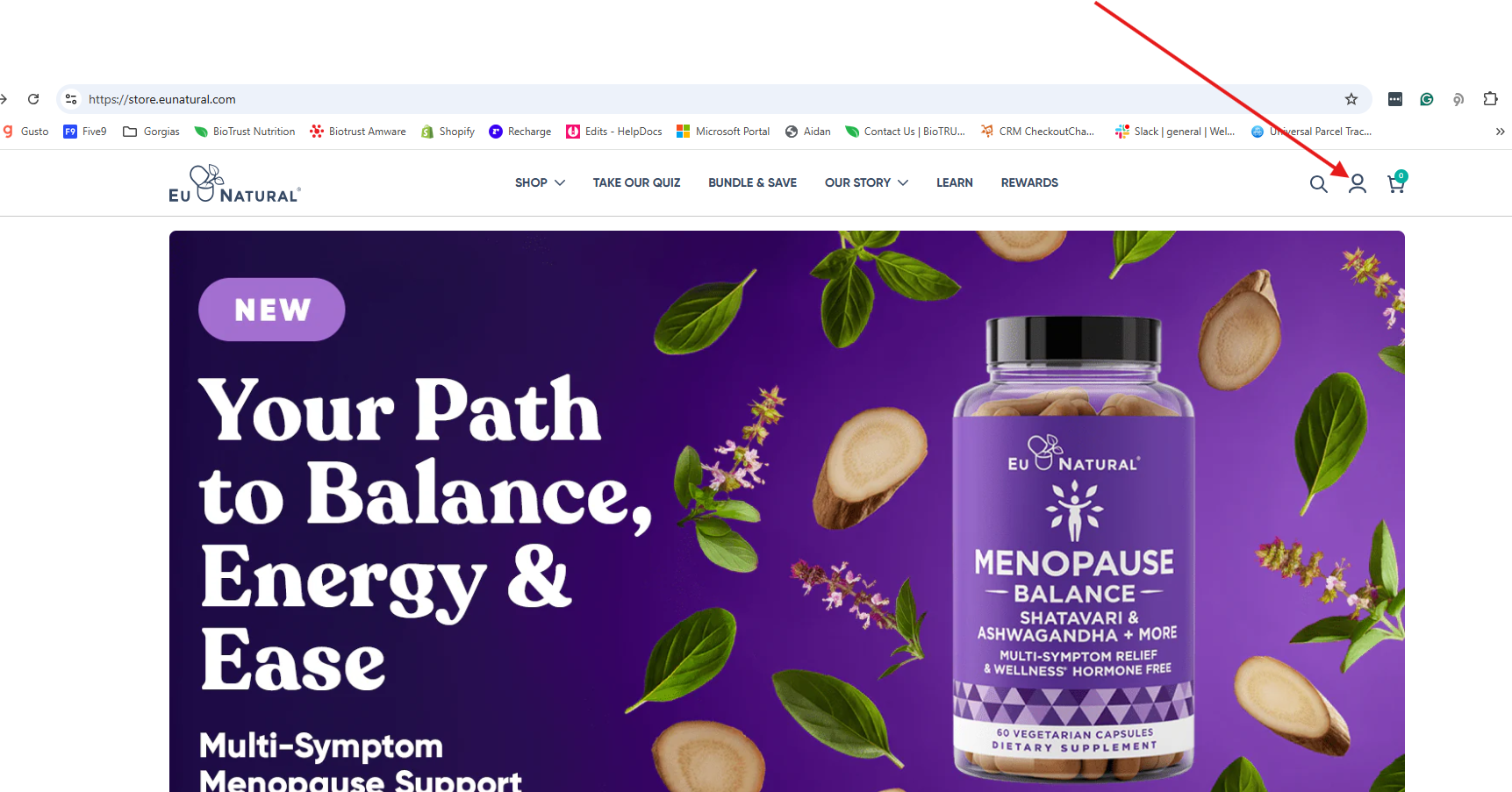
Clicking on this icon will bring you to the sign-in page.
To log in or create a new account, simply enter the email address associated with your order(s) and follow the instructions.
From this portal, you can view past orders and manage existing subscriptions.